


Phone storage affects almost everything you do, from taking photos to installing apps and recording videos. Choosing too little space can lead to constant cleanup, failed downloads, and slow performance when your device gets close to full. Choosing the right amount means matching storage capacity to your daily habits, not guessing based on price alone. Some users mainly call, message, and browse, while others keep thousands of photos, large games, offline media, and work files on their phones. This smartphone storage guide explains what common storage sizes offer, who they suit best, and how to avoid paying for space you will never use. By the end, you should have a clear answer on how much storage makes sense for your next smartphone purchase.
Understanding Smartphone Storage Sizes and What They Offer
What Different Storage Capacities Mean for Users
Smartphones commonly come with 64GB, 128GB, 256GB, and 512GB or more. A 64GB phone suits light use, such as messaging, web browsing, music streaming, and a modest number of photos. However, system files and preinstalled apps already take part of that space, so the usable storage is always lower than the advertised number. For many people, 128GB is the practical starting point because it gives enough room for everyday apps, photos, short videos, and updates without constant management. A 256GB model works well for people who shoot lots of media or keep files offline. Storage of 512GB and above fits advanced users who record heavily and install many large apps.
Choosing Storage Based on Photos, Apps, Videos, and Games
Your storage needs rise quickly when your phone becomes your main camera, entertainment device, and work tool. Photos may seem small at first, but thousands of high-resolution images can consume significant space over time. Video uses much more, especially if you record frequently or save clips for editing. Apps also vary widely, with social, banking, and productivity apps staying fairly manageable, while games can require several gigabytes each plus extra download files. Offline movies, music libraries, and document storage add up as well. If you mainly stream content and delete old files regularly, 128GB may be enough. If you keep large media libraries and multiple games, 256GB or more is the smarter choice.
How to Decide the Right Smartphone Storage for Your Needs
Storage Recommendations for Basic, Regular, and Heavy Users
Basic users should target 64GB only if their phone activity stays limited to calls, messaging, email, maps, and light app use. For most buyers, 128GB is the best balance of price and flexibility. It comfortably supports daily photos, common apps, downloads, and system updates without becoming restrictive too soon. Regular users who capture frequent photos and videos, save playlists offline, and use several social or productivity apps should strongly consider 128GB or 256GB. Heavy users should choose 256GB at minimum, especially if they record lots of video, play large games, or store files locally. If you want long-term breathing room and fewer storage headaches, buying one tier above your current need is often the safest move.
Key Factors to Check Before Buying a Smartphone
Check the usable storage, not just the number on the box, because the operating system and preloaded software reduce available space from day one. Review how you actually use your current phone by checking which categories consume the most storage, such as photos, videos, apps, or downloads. Consider how long you plan to keep the device, since storage needs usually increase over time. Also verify whether the phone offers expandable storage or relies entirely on internal space. If you shoot high-resolution photos, record lots of video, or download content for travel, choose a higher capacity upfront. Finally, leave free space for smoother performance, because nearly full storage can affect updates, app installs, and everyday usability.
Smart Ways to Manage and Extend Smartphone Storage
Tips to Free Up Space Without Losing Important Files
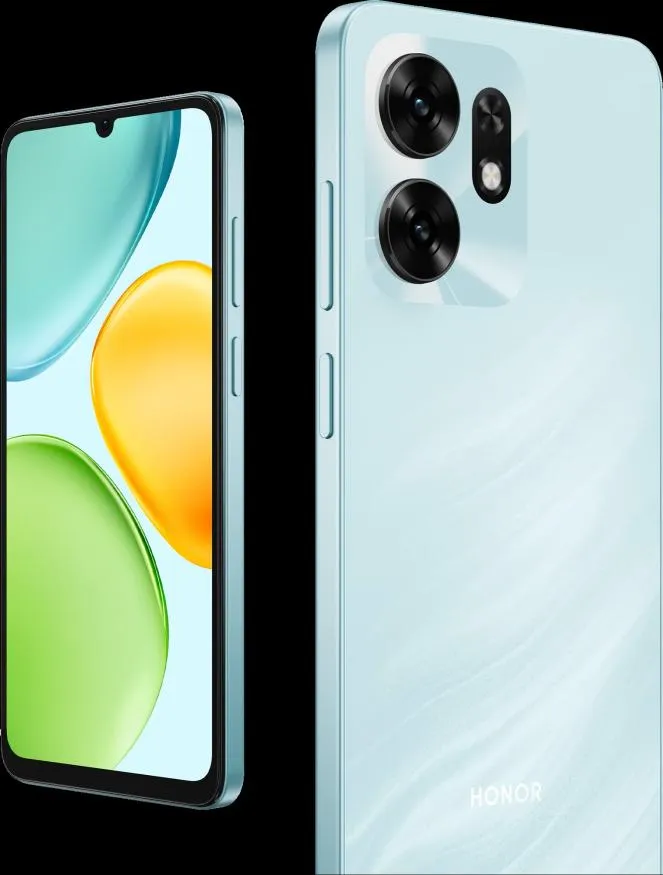
Start by checking your storage settings on your HONOR X6d 5G to see what uses the most space. Delete duplicate photos, blurry shots, old screenshots, and videos you no longer need. Remove apps you rarely open, and clear downloaded files that have already served their purpose. Many messaging apps also store large media files automatically, so review those folders regularly. Move important photos and documents to a secure backup before deleting anything from your device. Clear offline content from streaming apps when you finish watching or listening. Keeping at least some free space available on your HONOR X6d 5G helps your phone run more smoothly and reduces the stress of constant low-storage warnings over time.
Using Cloud Services and Storage Tools Effectively
Cloud storage can reduce pressure on your phone by moving photos, videos, and documents off the device while keeping them accessible when needed. Automatic backup is especially useful because it protects important files and makes it easier to delete local copies safely. Storage management tools can also identify large files, unused apps, and duplicate content, helping you reclaim space faster. Use these tools regularly instead of waiting until your phone is full. If you travel often or have limited internet access, keep essential files offline and archive the rest in the cloud. A simple routine of backup, review, and cleanup keeps storage under control.
Conclusion
The right smartphone storage comes down to how you use your device each day. For light tasks, 64GB may work, but 128GB is the strongest choice for most people because it offers better flexibility and longer usability. If you take many photos, record video often, download media, or play large games, 256GB or more is the better investment. Looking at your current habits, expected future use, and available usable space will lead to a smarter decision. Choose enough storage from the start, manage it well, and your phone will stay easier to use, more reliable,